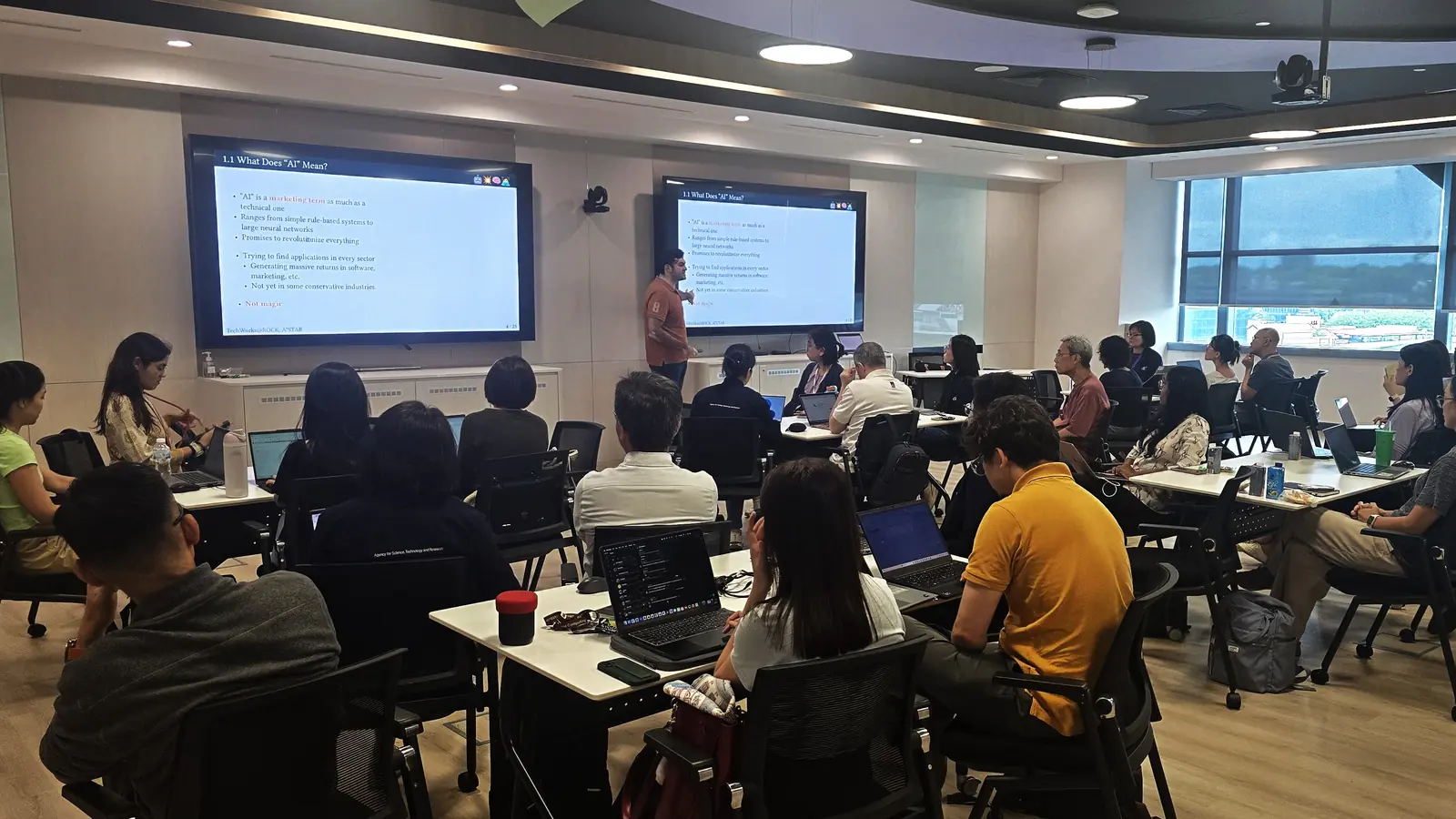
I teach a hands-on workshop on agentic AI for beginners. The concepts are not the hard part — the agentic loop is genuinely simple once you see it — the hard part is the first forty minutes. Thirty people with thirty laptops in thirty different states, and the lesson can’t start until everyone has Python, a model to talk to, and an API key. It can take thirty minutes until the slowest person is ready to learn.
Instead of fighting more complex setup and diluting the workshop content, I’ve built KittenClaw. A minimal chat harness for teaching agentic loops, small enough that a beginner can read the whole thing in one sitting, and light enough to run end-to-end on free tiers. There are three layers to it, and not one of them sends a bill: the runner is a GitHub Codespace on the free allowance; the model driving the agent comes from a provider with a genuine free tier like OpenRouter; and you develop against it with whatever coding harness you already have, which for us is GitHub Copilot.
Small enough to read
The entire runtime is three Python files: the tools, a thin Telegram adapter, and the full agentic loop in plain view. That’s deliberate, because the loop is the thing you came to learn. A beginner can open all three files and follow what happens between typing a message and getting a reply.
The agent’s entire state lives on disk as JSON Lines, letting students inspect and follow exactly what the agent is doing, with nothing hidden. When something goes wrong, you open the file and read exactly what the model saw, in order. Once a student internalizes that the transcript is the whole story, agents stop being magic and start being a program they can reason about.
Setup is a browser tab
Here’s the part I’m proudest of: the entire stack is assembled from free tiers, top to bottom, and nobody in the room spends a cent. The compute is a GitHub Codespace, or GitLab’s equivalent Workspaces, on the free allowance — fork the repo, open it in the browser, and the devcontainer installs Python and uv, syncs the dependencies, and lays out the .env for you before you’ve touched anything. No local toolchain, no “works on my machine,” no Python 2.7 from 2019 lurking on someone’s laptop.
The model is whichever provider you like that has a genuine free tier — Google AI Studio, OpenCode Zen, or OpenRouter — none of which want a credit card to get started. The chat app is Telegram, free, reached by long-polling so it works even in corporate environments with NAT and punitive firewalls. Skill development also can be run in the free tier of a coding assistant — GitHub Copilot or OpenCode Zen. Paste your key and a bot token into the .env, and you’re running.
Bending it into a task
KittenClaw on its own is just a harness. The interesting part is how little it takes to bend it into a real exercise. Its a tiny tool that can be hammered into whatever shape is needed for your teaching scenario. Choosing which shape is its own problem, and a surprisingly load-bearing one — I wrote up the rubric I use to pick the task separately.
The scenario I ship is a medical triage bot: it interviews a patient about their symptoms, classifies them as minor, moderate, or severe, and routes accordingly — book an appointment, escalate to the ER, or close the conversation. What makes it more than a toy is the second agent. A separate reporter bot, implemented as a GitHub Copilot skill, reads the archived conversations afterwards and extracts a structured intake record: name, age, symptoms, triage level. The two agents never call each other. They only share the conversation files.
That constraint is the whole lesson, and it’s one I keep coming back to in my own work: the triage bot has to collect information it does not itself need, because the reporter needs it. Students discover this the hard way, by building a bot that triages perfectly and produces reports full of blanks. From there the failure modes write themselves — a bot that schedules appointments nobody asked for, one that misses an emergency, one that confirms a booking without the date, one that treats a rejected date as a terminal error instead of backpressure to retry against. Each is a small, concrete bug with a real-world analogue, and each is debugged by reading a file.
Putting a smarter model on the other end
Because the whole bot is a command you can script and a file you can read, nothing says the thing on the other end of the conversation has to be a human. You, or your favourite frontier model, can drive a conversation from the shell:
uv run python -m kittenclaw --once "Hello, how are you doing?"
This trick is one that I most enjoy showing students: tell a strong model to role-play someone with chest pain who keeps downplaying it, or who won’t commit to an appointment date, let it hold a full conversation with KittenClaw, and then hand it the resulting transcript and ask how the triage bot did. The same file that is the agent’s memory becomes the test case and the report card.
That closes a loop worth understanding. A small, cheap model runs the task; a smart model invents the awkward patients, plays them out end to end, reads the file, and proposes edits to the prompt and the skills. You can run that cycle dozens of times in the time it takes to hand-write one good test conversation, and the bot that comes out the other side has been hardened against cases you’d never have thought to write. Using a stronger model to improve a weaker one’s instructions is one of the most practical skills in the field right now, and KittenClaw is small enough to show the whole mechanism rather than just describe it — which is exactly why I teach the end-to-end loop on it.
Why the small version teaches better
A framework that hides the loop teaches you the framework. For an application that’s exactly what you want; for a beginner trying to understand what an agent is, it’s backwards. KittenClaw keeps the loop, the tools, and the state all in view and on disk, cheap enough to run that nobody has to ask permission, and small enough that the source isn’t a wall to hide behind. The slides can tell you an agent is “a model in a loop with tools and memory.” It lands a lot harder when the loop is twenty lines you just read, the memory is a file you just opened, and the whole thing — compute, model, chat app, and the second agent besides — has been running on free tiers, in a browser tab, for the price of nothing at all. That last part isn’t a footnote. It means the only thing a student needs to bring to a real multiagent system is curiosity, and that’s the point.
The slides and source for the workshop are on GitHub under CC BY-SA — take them and teach your own.